
When using any tk111-related page on mobile, browser access, App download and APK installation—these three aspects need to be understood separately. A separate App is not required just because a website opens well on the phone. Similarly, just because there is a button that says “Download App,” it does not mean it is a verified App Store or Play Store app.
This guide provides steps for opening pages via mobile browser, identifying unknown APKs, checking App permissions, keeping login information secure, and avoiding incorrect submissions on weak connections. tk111.beer does not distribute any App or APK itself. tk111 Bangladesh Complete Guide You can read the overall information limit from the site.
First, check the mobile browser version
See if the necessary page can be opened with Chrome, Safari, Firefox or any other updated browser. If the browser version can be used, there may not be a need to install a separate APK for quick access.
Check the complete domain in the Address bar. If using full-screen mode or Home Screen shortcut, the address bar may be hidden, so check the original URL again in the browser before providing login or personal information.
Older browser security certificates, scripts, and modern page features may not function properly. If there is a browser update, complete it from a trusted app store.
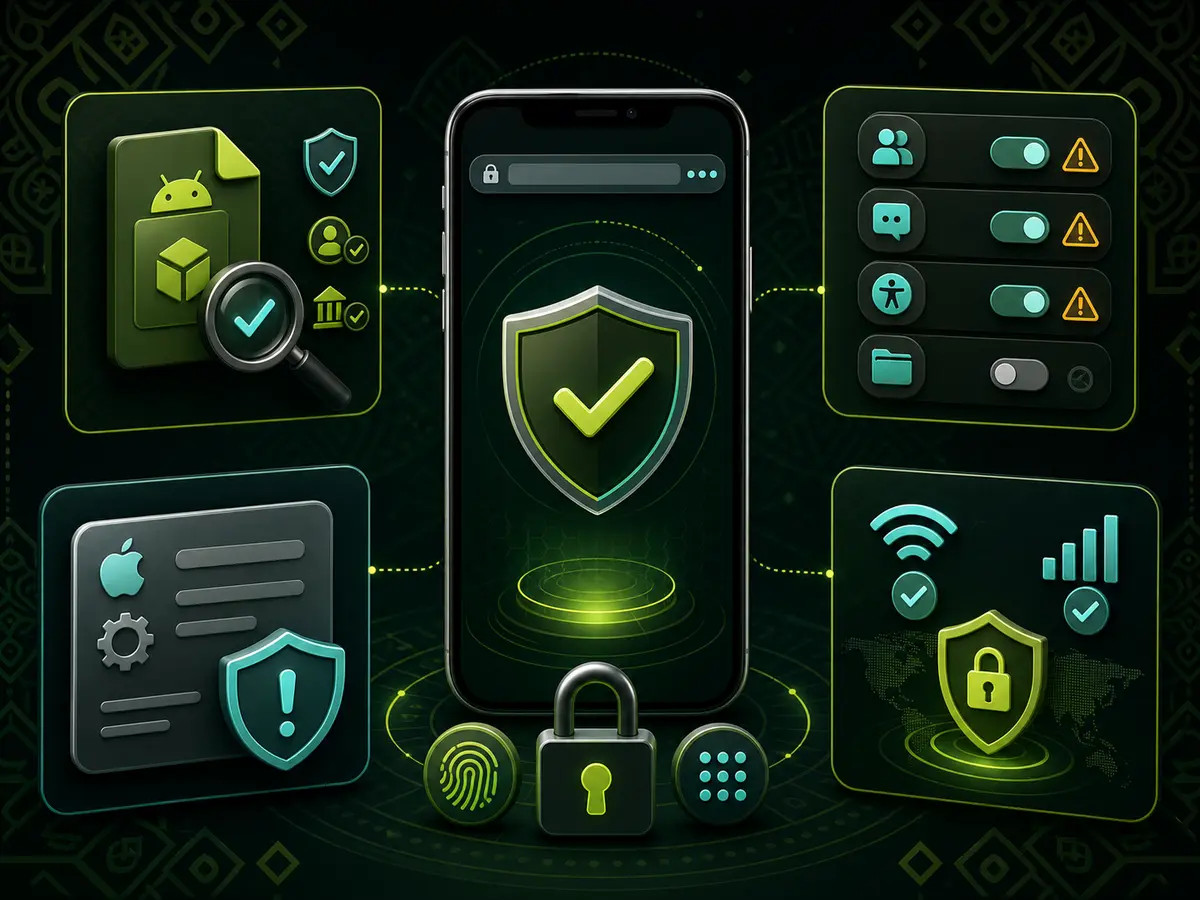
Independent guidelines for mobile browser, Android APK, iPhone profile and login security.
Verify the source before downloading APK
APK is the Android App installation file. Installing APK outside the Play Store may bypass some normal security checks of the platform. Therefore, before downloading the file, check the publisher, domain, file name, version and update date.
Do not collect APK from social media groups, messaging apps, shortened URLs, file-sharing services or unknown mirrors. If there are multiple versions of the same App, verify which one is current and for which device it is made.
APK identification cannot be confirmed just by looking at the file icon or tk111 Logo. If the browser shows a security warning when opening a file downloaded from an unknown source, do not ignore the warning and proceed with the installation.
How to read Android Permission
Check what permissions the App is asking for before and after installation. Internet access and notifications may be normal needs for any App, but it should be clear why Contacts, SMS, Call Log, Accessibility, Device Administrator, microphone or full storage access is needed.
Do not grant permission if you do not understand the reason for it. Review App permissions again from Android Settings later. If the App does not work after turning off unnecessary permissions, look for a safe alternative instead of continuing to use the unknown source's App.
If prompted to turn off Play Protect or device security scan, that is a major warning. The phone's security system should not be permanently disabled for using any App.
Caution for iPhone and iOS
The term “App” for iPhone can be used in several ways: App Store application, browser-based web app, Home Screen shortcut or enterprise profile. These are not the same thing.
When prompted to install a website configuration profile, device management profile, or enterprise certificate, verify the publisher and necessity. An unknown profile can change the device's traffic, certificate, or management settings.
If there is no App Store listing, check where the “iOS download” button is directing you. Creating just a Home Screen shortcut does not make it a new native App; it is generally a way to quickly open a browser page.
Mobile Login Security
Avoid account login from Public Wi-Fi, someone else's phone, or shared devices. Browser password save, automatic login, and notification preview can expose personal information to others.
Do not use the same password on other accounts. Do not send OTP, recovery code, or verification message screenshots to anyone. If the login page suddenly asks for new permissions, payment, or document upload, recheck the domain.
After finishing work, use the logout option on the account instead of just closing the browser tab. Check if personal information remains in files downloaded on shared devices, screenshots, and browser history.
What to do on a weak connection
On weak mobile data, pressing a button may cause the page to respond late. Repeatedly pressing the same action risks creating duplicate requests. Wait for the loading indicator to finish before checking account history or status.
If balance, transaction, or bet-related information appears incomplete, write down the current status before refreshing the page instead of immediately making a new request. When taking a screenshot, cover the password, phone number, account ID, and payment information.
In live streams or fast rounds, there may be a difference between video and interface updates. If the connection is unstable, it is safe to refrain from financial actions.
What tk111.beer offers and does not offer
tk111.beer provides independent information about mobile browser, App source, APK permissions, and login security. This site does not host any APK, does not install Apps, and does not facilitate login to any operator account.
Learn the rules for reading the Sports market on mobile tk111 Sports Market Guide See. Learn about the connection and interface differences of various casino games Comparison of tk111 casino game categories Read.
Frequently Asked Questions
Can APK be downloaded from tk111.beer?
No. tk111.beer does not host or distribute any APK or App files.
Is a separate App needed when using a mobile browser?
If the necessary pages work properly in the browser, a separate App may not be needed. Check if the necessary tasks can be done with the browser version before installing the App.
Is it safe to enable Unknown Sources?
Enabling Unknown Sources allows the installation of APKs outside the Play Store, but it increases security risks. Do not install if the source and publisher are not verified.
What should I do if an App requests too many permissions?
Do not grant permission if it is not clear why it is needed. Specifically check sensitive permissions like Contacts, SMS, Accessibility, or Device Administrator.